How to generate tattoo lettering
The lettering studio is a dedicated mode of the generator built for text tattoos. Your words go in a field of their own — not buried in a prompt — so the design is built around your exact text.
- Open the studio and type your text exactly as it should read — spelling, punctuation, capitalization.
- Pick a font direction: gothic blackletter, cursive script, minimal single line, or roman serif. Add floral or filigree flourishes if you want them.
- Generate, then zoom in and proofread every letter. Switch to stencil view to see the pure line work your artist can trace.
Font styles you can generate
Four lettering directions the studio supports, each with a prompt pattern you can adapt to your own words.
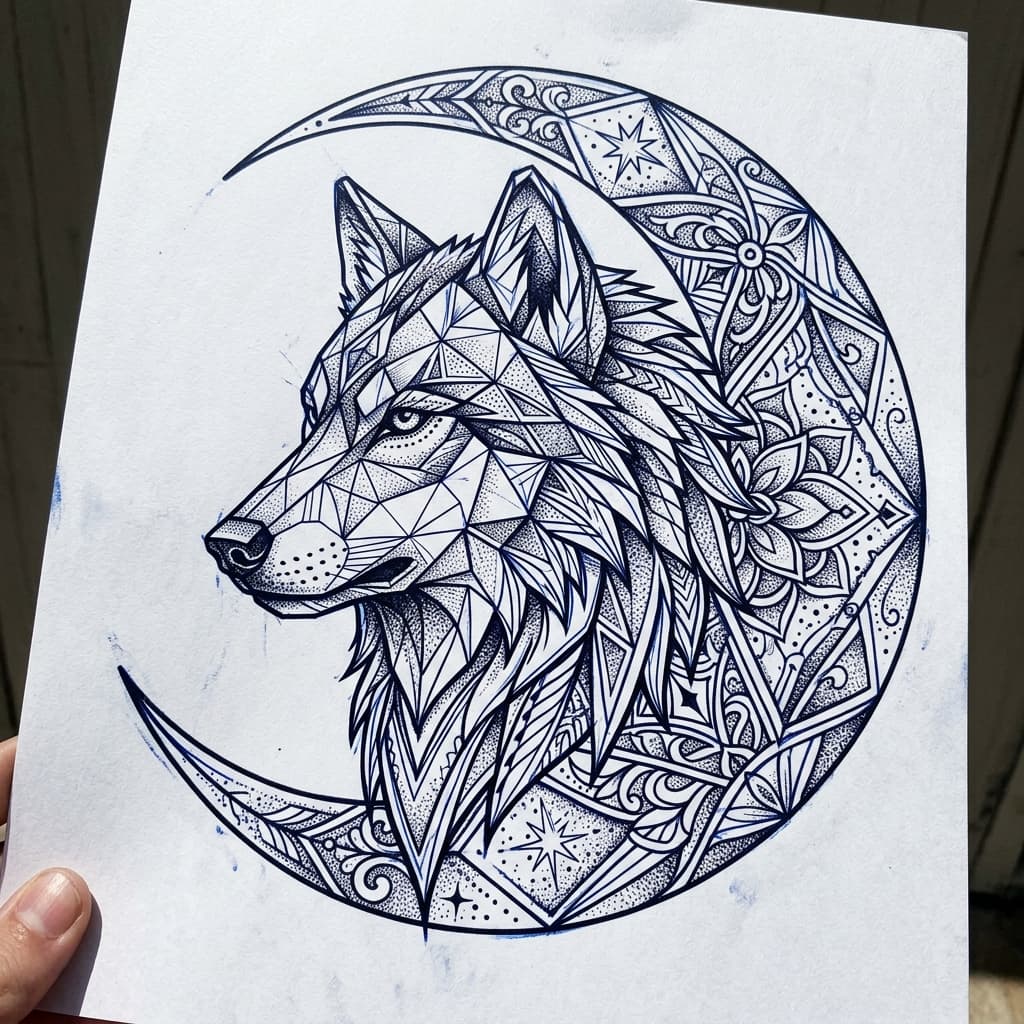
Gothic blackletter
Heavy, angular medieval letterforms. Reads best in caps and short words — names, family names, single statements.
“Gothic blackletter tattoo lettering of "FAMILY" with sharp angular strokes and high contrast stencil-ready lines”
Generate this idea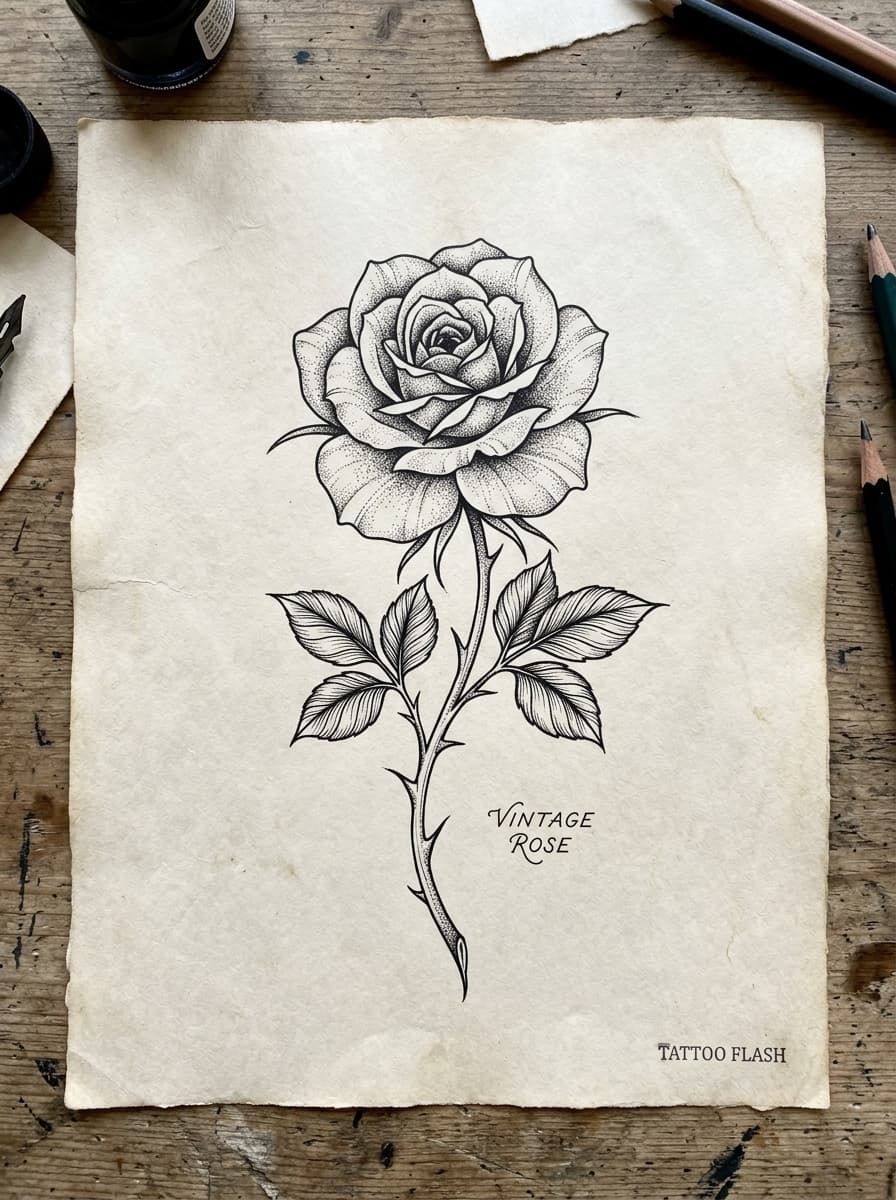
Cursive script
Flowing connected script with loops and tails — the classic name or quote lettering, often paired with filigree.
“Chicano fine-line cursive script tattoo lettering of "Memoria" with delicate filigree flourishes, single needle linework”
Generate this idea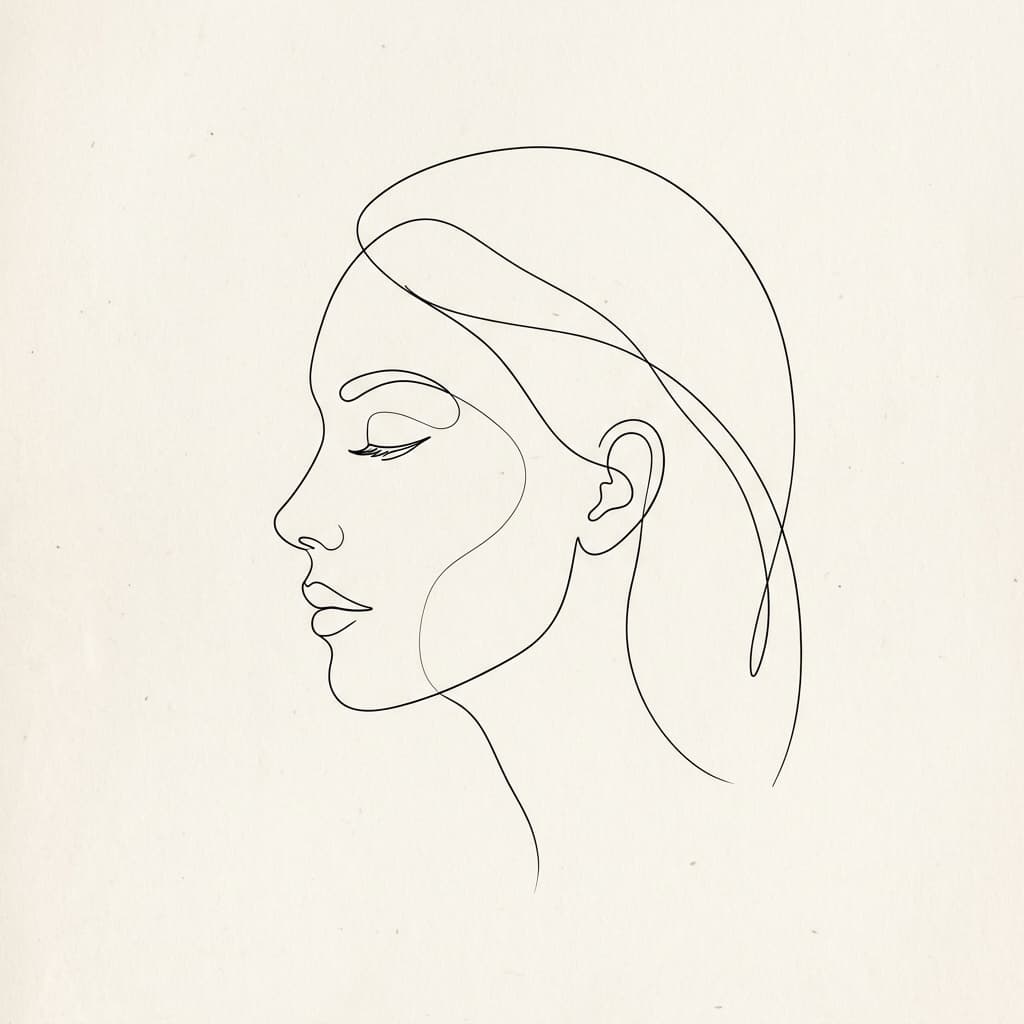
Minimal single line
One clean unbroken line per word. Understated, modern, and small enough for a wrist, finger, or collarbone.
“Minimal single-line modern tattoo lettering of "breathe" in lowercase, thin even-weight strokes, stencil ready”
Generate this idea
Roman serif capitals
Classical serif capitals — engraved, permanent-looking. Dates, roman numerals, and Latin phrases suit it naturally.
“Roman serif capital tattoo lettering of "MMXXVI" with classical engraved proportions and subtle stone texture”
Generate this idea
Getting lettering tattoo-ready
Text tattoos fail in two ways: spelling and scale. AI lettering usually renders your exact quoted text correctly, but image models can slip on a letter — proofread every character before saving, and regenerate if anything is off. This is a hard rule, because a misspelled tattoo is the one mistake artists cannot quietly fix.
Scale is the second trap. Letters below roughly 0.8 cm close up as the ink settles and blur within a few years. Short text stays legible longer than long quotes; if you want a paragraph, plan for it to be larger than you expect. Print the stencil outline at true size and read it from arm’s length — that is the honest test.
Where lettering works best
The classic lettering placements follow flat, gently curved lines of the body: the inner forearm, the ribcage, the sternum, the collarbone, and across the upper back. Curved areas like wrists and ankles bend the baseline — sometimes intentionally, as with wrap-around quotes.
If you are pairing words with a motif (a name under a portrait, a date through a mandala), generate the lettering alone first to nail the font, then describe the combined composition in a second generation, or ask your artist to typeset the final text by hand.
From font idea to final stencil
Treat the generated lettering as a font direction, not final artwork. Most lettering artists redraw text in their own hand or a licensed typeface before stenciling — the generated design is how you communicate the style, weight, and flourishes you want, and the stencil outline is the shared reference for proportions.
Tattoo font generator FAQ
Will the AI spell my text correctly?
+
Usually yes — the lettering studio places your exact text in quotes inside a lettering-specific prompt, which strongly anchors the spelling. But AI image generation can still miss a letter, so proofread every character of every generation, and regenerate anything that is not perfect before it goes near skin.
Which font styles can I choose from?
+
Four directions: gothic blackletter, cursive script, minimal single line, and roman serif capitals — each with an optional floral/filigree flourish layer. You can also describe other lettering styles in free-text prompts.
Can I preview fonts without generating?
+
No live web-font preview — each generation renders your actual text in the chosen lettering style, which is slower than a font picker but shows real tattoo linework rather than a desktop font approximation.
How long should my text be?
+
Shorter renders cleaner: single names and short phrases hold their letterforms best. Long quotes need larger placements and simpler scripts. A practical ceiling for most placements is 5–8 words before legibility starts to fight composition.
Can I add flourishes or decorations around the text?
+
Yes — the studio has a flourish toggle that adds floral and filigree elements around your lettering. For anything more specific (banners, moths, daggers), describe it in the prompt.
Is the lettering free to generate?
+
Yes, like the rest of the generator: free to try with no sign-up, subject to fair-use rate limits so the service stays available for everyone.
Related tattoo generators and guides
Ready to design your lettering tattoo?
Type your words, pick a font direction, and generate inkable script with a stencil outline. Free, no sign-up.
Open the tattoo font generator