How to generate a realism tattoo
Realism rewards specificity. The more concrete the subject and lighting in your prompt, the more photographic the result.
- Name the subject exactly: "golden retriever portrait", "marble statue of Athena", "peony in full bloom".
- Describe the light and tone: "black and grey with soft shadows", "dramatic single-source lighting", "muted color palette".
- Generate several versions — realism varies the most between runs — then download the strongest as artwork plus stencil outline.
Realism tattoo ideas to generate now
Four classic realism directions, each with a working prompt you can launch directly.
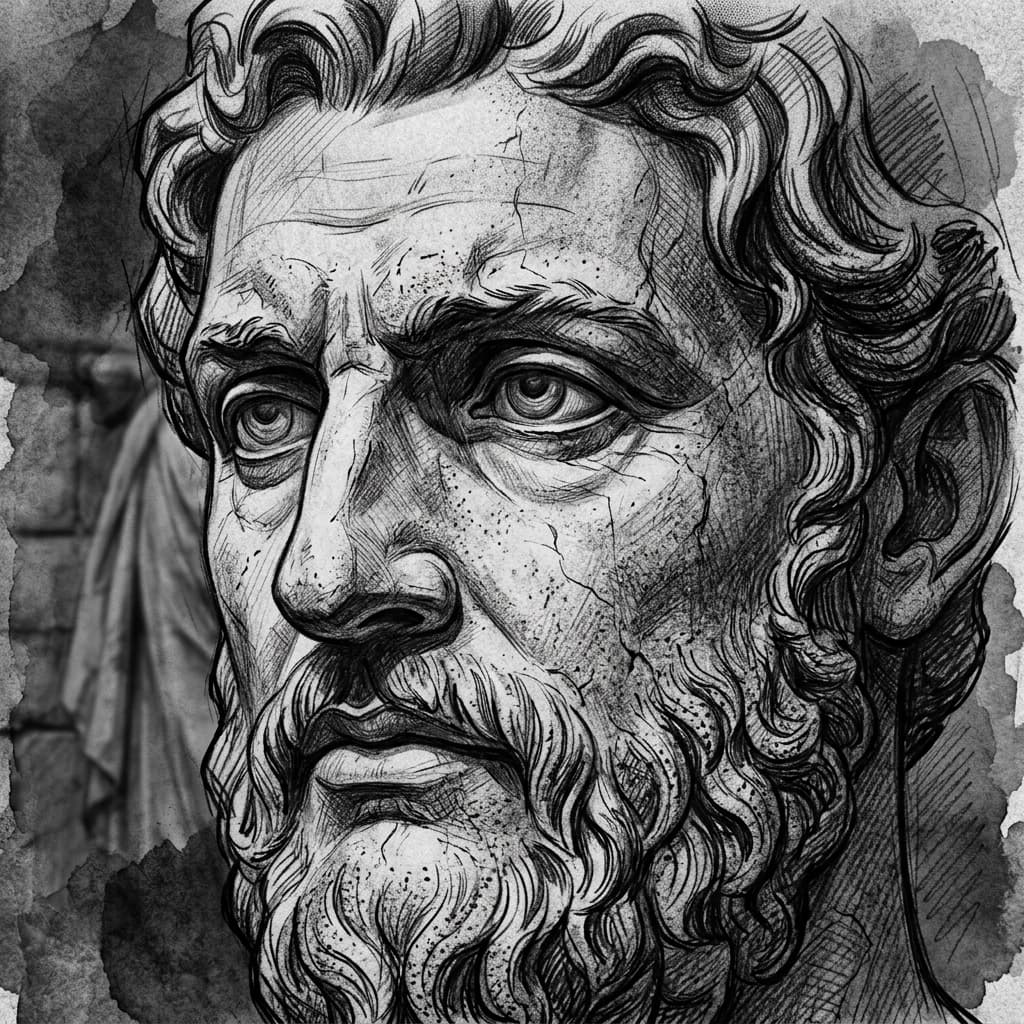
Statue and sculpture studies
Marble, cracked stone, and classical sculpture render beautifully in black-and-grey — texture without a human likeness to match.
“Hyper-realistic marble sculpture portrait of Athena with cracked stone texture and soft shadow gradients”
Generate this idea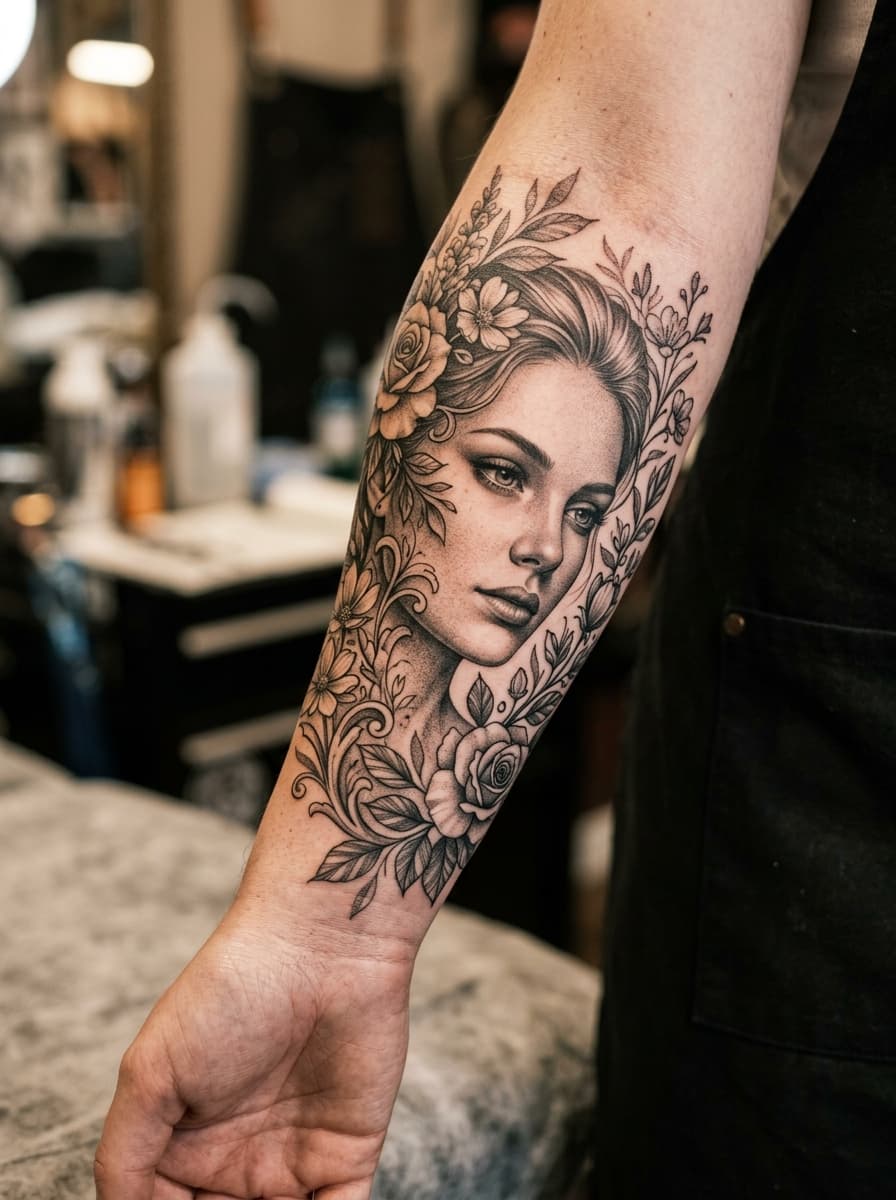
Black-and-grey portraits
Portrait realism demands smooth value transitions. For a specific person or pet, generate the concept here, then use the photo-based flow for likeness.
“Realistic black and grey portrait of a serene face emerging from intertwined blossoms and ivy vines, soft focus edges”
Generate this idea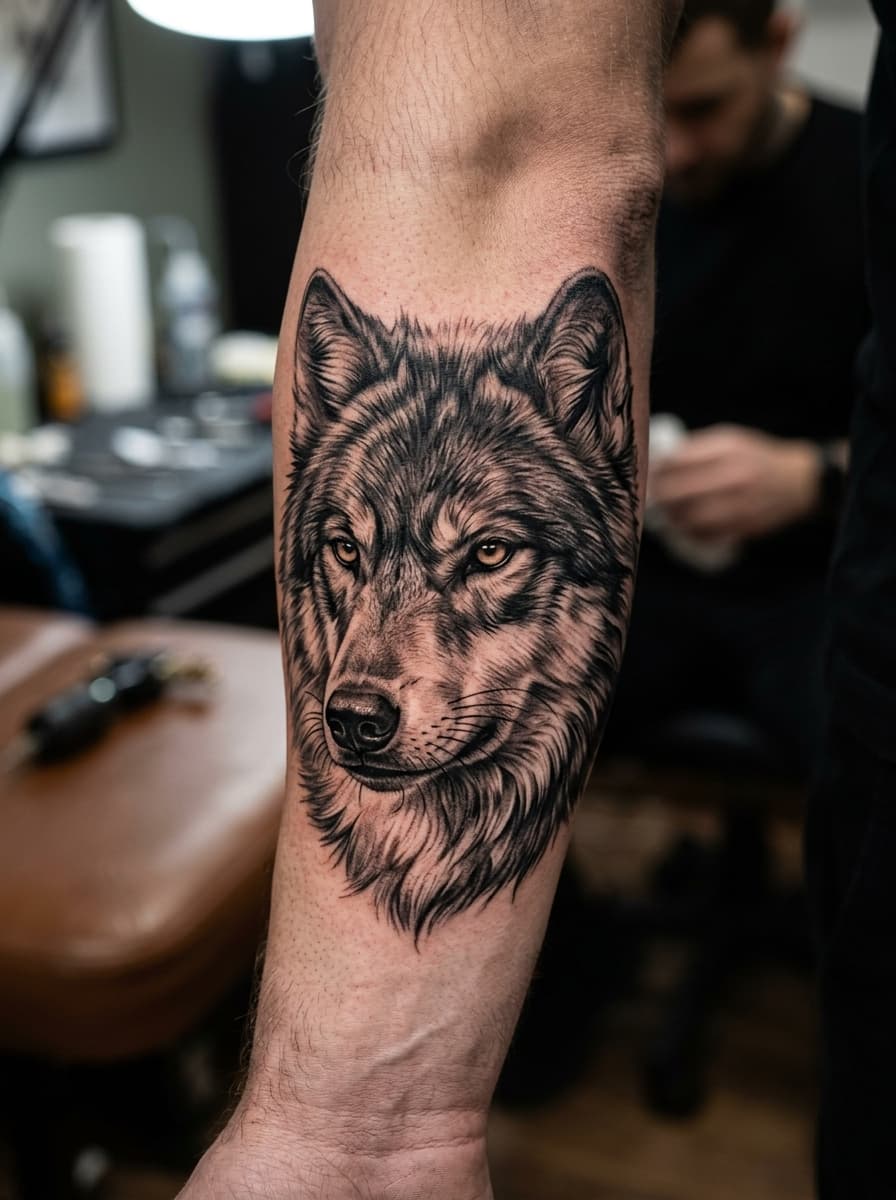
Wildlife realism
Fur, eyes, and weathered texture are where realistic animal pieces shine — wolves, lions, ravens, and horses are perennial favorites.
“Fierce timber wolf head portrait in black and grey realism, detailed fur rendering, intense eyes, misty forest backdrop fading to black”
Generate this idea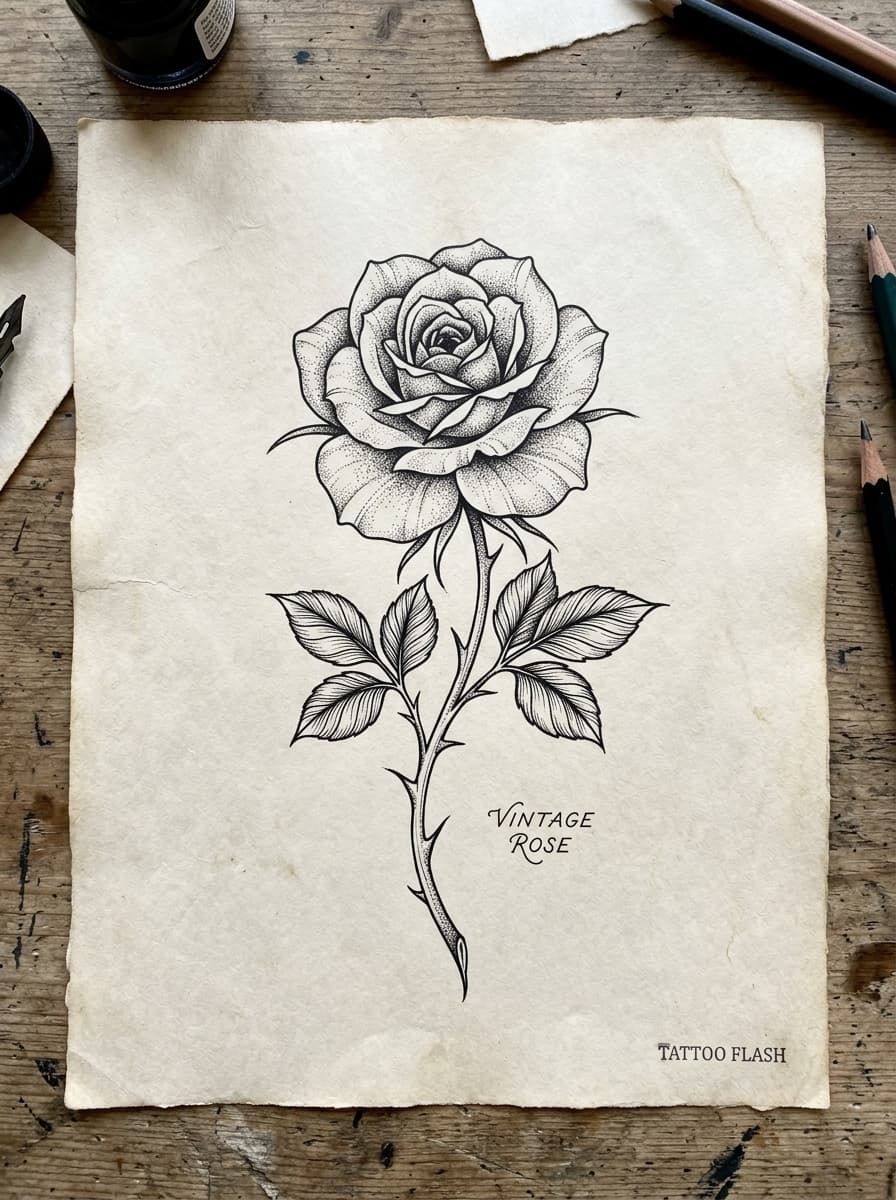
Realistic florals and objects
Roses, moths, pocket watches, and candles let realism play with folds, wings, and reflective surfaces.
“Photorealistic dark red rose with dew droplets, layered petals, and a soft grey background wash”
Generate this idea
Black-and-grey vs color realism
Black-and-grey realism — built by diluting black ink into smooth gradients — is the classic form. It ages predictably, photographs well, and suits portraits, statues, and dramatic lighting. Color realism (often "colored realism") adds pigment realism for eyes, florals, and banners, at the cost of more sessions and more frequent refreshes.
In the generator you control this with wording: "black and grey with soft shadow gradients" pulls the design monochrome, while naming specific colors ("muted burgundy rose, desaturated green leaves") keeps a realistic palette.
Portraits: from concept to likeness
A word prompt can produce a beautiful portrait study, but not a likeness of a specific person or pet — that requires a reference photo. Use this page to explore composition, framing, and style, then take the winning direction to the photo-based flow, where you upload the actual image and the design is redrawn from it.
For memorial tattoos this two-step approach works well: settle the framing and mood here first, so the photo conversion starts from a decision instead of a blank page.
Realism and stencils — what to expect
Realistic designs live in shading, and a stencil is by definition line work. The stencil view of a realism piece gives you the outline map — contours and key edges — not the gradients. That is normal: your artist shades the final piece by hand.
Treat the generated artwork as the visual target and the stencil as the structural agreement between you and your artist. Both downloads are included with every generation.
Realism tattoo FAQ
Can AI generate realistic tattoo designs?
+
Yes. The generator produces realistic designs — statues, animals, florals, portrait studies — in black-and-grey or muted color. For a likeness of a specific person or pet, use the photo-based flow with a reference image instead of a text prompt.
Do realistic tattoos age well?
+
Realism depends on smooth gradients, which soften slightly over decades. Larger pieces on flatter areas (upper arm, thigh, back) hold detail longest. Sun protection matters more for realism than for bold-line styles.
What are the best placements for realism tattoos?
+
Medium-to-large flat or gently curved areas: outer forearm, upper arm, shoulder, thigh, and back. Very small realistic pieces lose shading detail, and joint areas distort the composition when they flex.
How many realism variations should I generate?
+
Realism varies the most between generations — lighting, angle, and mood can all shift. Generating three to five versions of the same subject is the practical way to find the framing you want before involving an artist.
Is the stencil outline useful for a realism piece?
+
Yes, differently: it shows the contour map and key edges rather than the shading. Artists often use it as the placement and proportion guide, then build the realistic shading by hand.
Related tattoo generators and guides
Ready to generate your realism tattoo?
Describe the subject and lighting, generate a few studies, and download artwork plus stencil. Free, no sign-up.
Open the realism tattoo generator